Here's the HTML guide for building a Raspberry Pi Smart Home Security Camera:
Build a Raspberry Pi-Powered Smart Home Security Camera with Object Detection and Alerts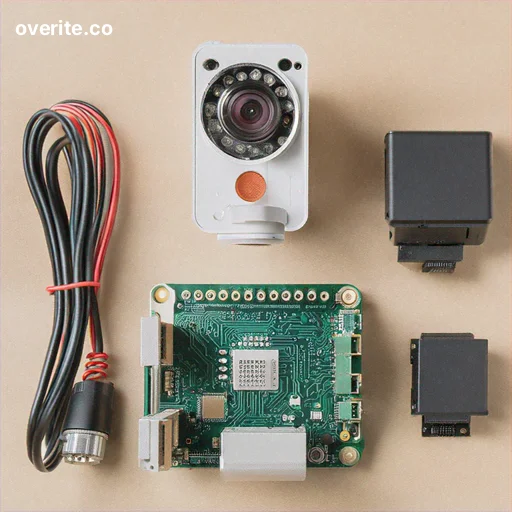
In this comprehensive DIY guide, you'll learn how to transform a Raspberry Pi into a powerful, intelligent home security camera system with advanced object detection and real-time alerts. This project combines affordable hardware with open-source software to create a sophisticated surveillance solution.
Materials and Components Needed
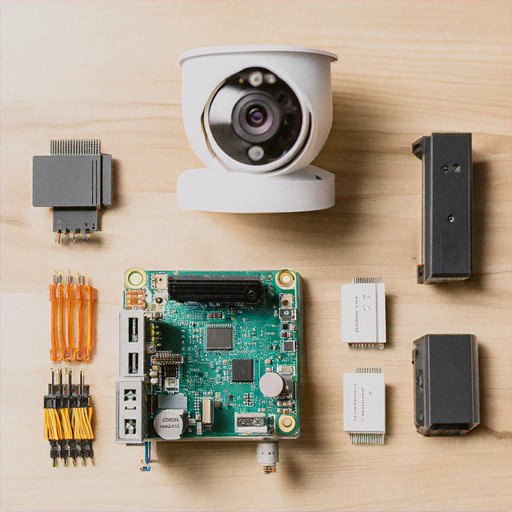
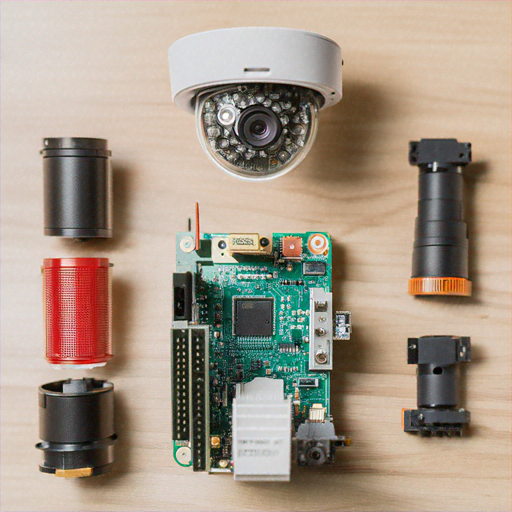
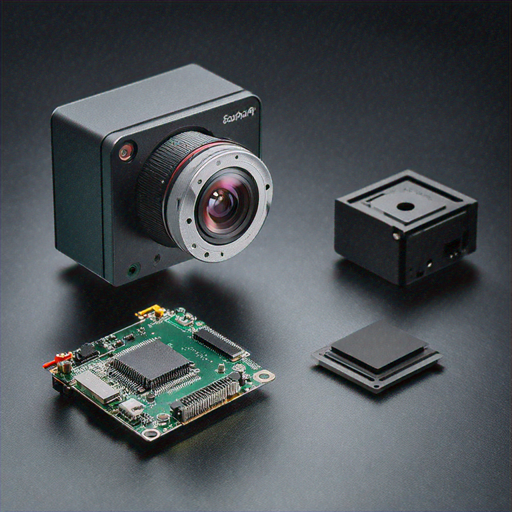
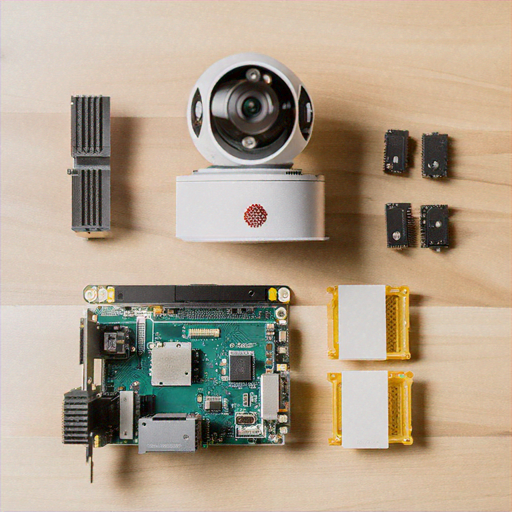
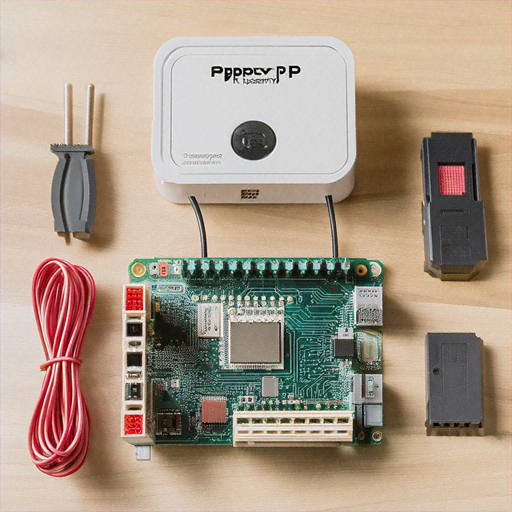
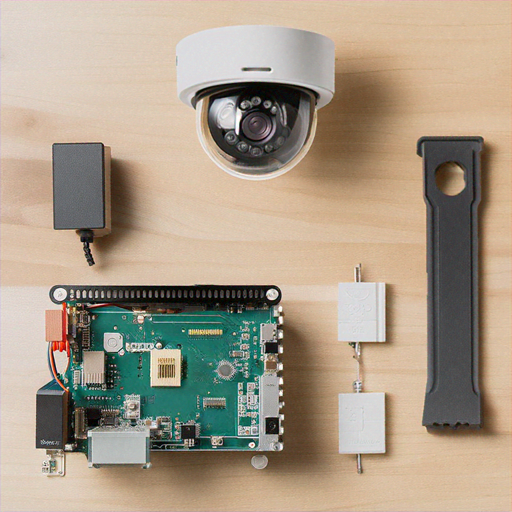
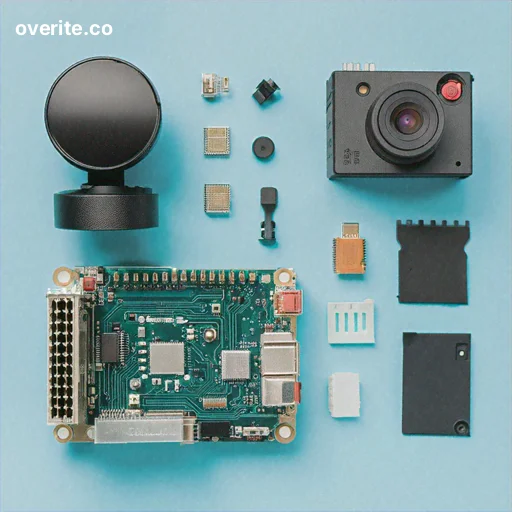
Before starting, gather the following components: • Raspberry Pi 4 (4GB or 8GB RAM recommended) • Raspberry Pi Camera Module v3 • MicroSD Card (64GB minimum) • Power Supply • Ethernet Cable or Wi-Fi Dongle • Compact Case • Optional: Infrared Camera Module for night vision
Step 1: Prepare the Raspberry Pi Operating System
1. Download the latest Raspberry Pi OS (64-bit) from the official website 2. Use Balena Etcher to write the OS image to your microSD card 3. Enable SSH and configure Wi-Fi settings before first boot 4. Update the system packages: ``` sudo apt update sudo apt upgrade -y ```
Step 2: Install Required Software Dependencies
Install essential libraries and frameworks for object detection: ``` sudo apt install -y python3-pip python3-opencv pip3 install tensorflow numpy matplotlib pip3 install opencv-python pip3 install picamera2 ``` This installation provides the core libraries needed for computer vision and machine learning tasks.
Step 3: Configure the Camera Module
1. Connect the Raspberry Pi Camera Module to the CSI port 2. Enable the camera in Raspberry Pi Configuration: ``` sudo raspi-config ``` 3. Navigate to "Interfaces" and enable the camera 4. Reboot the Raspberry Pi 5. Test camera functionality: ``` libcamera-still -o test.jpg ```
Step 4: Set Up Object Detection with TensorFlow
We'll use the pre-trained COCO (Common Objects in Context) model for object detection: ```python import tensorflow as tf import cv2 import numpy as np def detect_objects(frame): # Load pre-trained model model = tf.saved_model.load('ssd_mobilenet_v2') # Perform object detection detections = model(frame) # Process and filter detection results return filtered_objects ``` This script provides a foundation for identifying people, vehicles, and other common objects.
Step 5: Implement Motion and Object Tracking
Create a sophisticated tracking mechanism: ```python def track_motion(frame): # Convert frame to grayscale gray = cv2.cvtColor(frame, cv2.COLOR_BGR2GRAY) # Apply Gaussian blur blurred = cv2.GaussianBlur(gray, (21, 21), 0) # Detect significant changes if motion_detected: send_alert() ```
Step 6: Implement Notification System
Configure email and messaging alerts: ```python import smtplib from email.mime.text import MIMEText from email.mime.image import MIMEImage def send_alert(detection_details): # Compose email msg = MIMEMultipart() msg['Subject'] = "Security Alert Detected" # Attach image and details msg.attach(MIMEText(detection_details)) msg.attach(MIMEImage(captured_frame)) # Send via SMTP smtp_server.send(msg) ```
Step 7: Create Continuous Monitoring Script
Develop a comprehensive monitoring script: ```python def security_camera(): while True: frame = capture_frame() objects = detect_objects(frame) if suspicious_activity_detected: record_video() send_alert() time.sleep(interval) ```
Advanced Configuration Options
Enhance your security camera with these additional features: • Implement machine learning for personalized object recognition • Add cloud storage integration for video backups • Create web interface for remote monitoring • Implement multi-camera support
Security and Privacy Considerations
1. Use strong, unique passwords 2. Keep software updated 3. Secure your home network 4. Implement encryption for stored footage 5. Be mindful of local privacy laws
Troubleshooting Common Issues
• Camera not detecting: Check cable connections • Performance issues: Upgrade to Raspberry Pi 4 • Network problems: Verify Wi-Fi/Ethernet settings • Detection accuracy: Retrain or update machine learning model
Conclusion
You've now created a powerful, intelligent home security camera using Raspberry Pi. This DIY solution offers professional-grade object detection, motion tracking, and alert systems at a fraction of commercial product costs.